


In today’s world, engineers need more than just technical knowledge, they need the right tools to plan, design, and manage projects efficiently. Fortunately, there are several high-quality software tools available for free that can support everything from drafting and structural analysis to project scheduling and geospatial mapping.
Whether you’re a student, a recent graduate, or a practicing engineer looking to streamline your workflow, these tools can help you work more effectively without the burden of expensive licenses. In this article, we will explore some of the most useful free tools every civil engineer should know and consider adding to their toolkit.
1. LibreCAD – 2D Drafting for Civil Plans
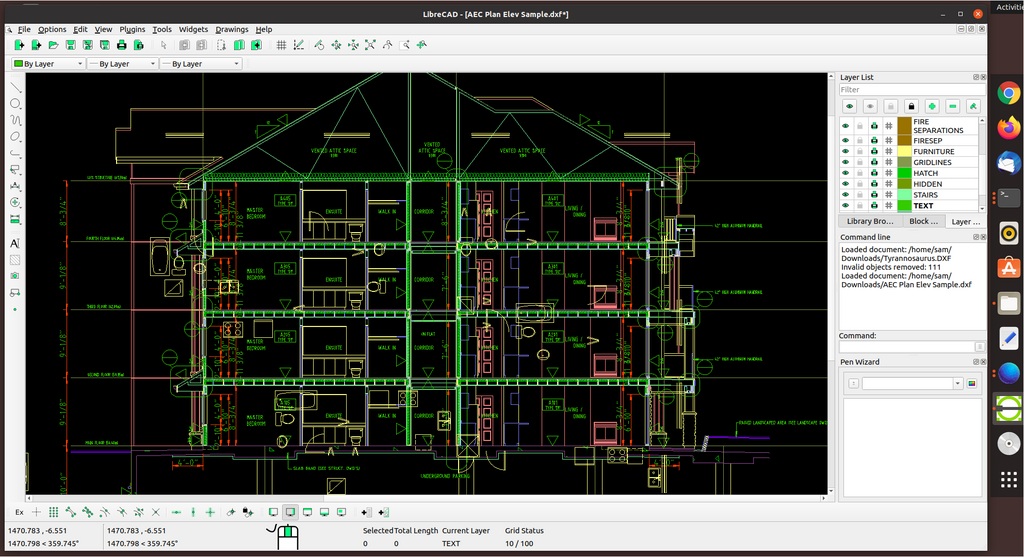
LibreCAD is a free open-source 2D CAD software created in 2010 as a community-driven alternative to AutoCAD. It’s a handy tool for engineers and designers who need to draft detailed floor plans, site layouts, or schematics without paying for expensive licenses. While it doesn’t offer full 3D modeling or some of AutoCAD’s more advanced civil features, it’s great for small to mid-sized projects. Many civil engineering students and professionals use LibreCAD for early-stage concept designs and technical drawing work, thanks to its clean interface and professional-quality output.
- Capabilities: Ideal for creating floor plans, structural details, and site layouts. It supports layers, blocks, and DXF file formats.
- Applications: Drafting construction drawings, infrastructure schematics, and minor architectural designs.
- Website: https://librecad.org
- Pricing: Completely free and open source, with community support.

2.FreeCAD – Parametric 3D Modeling for Infrastructure Design
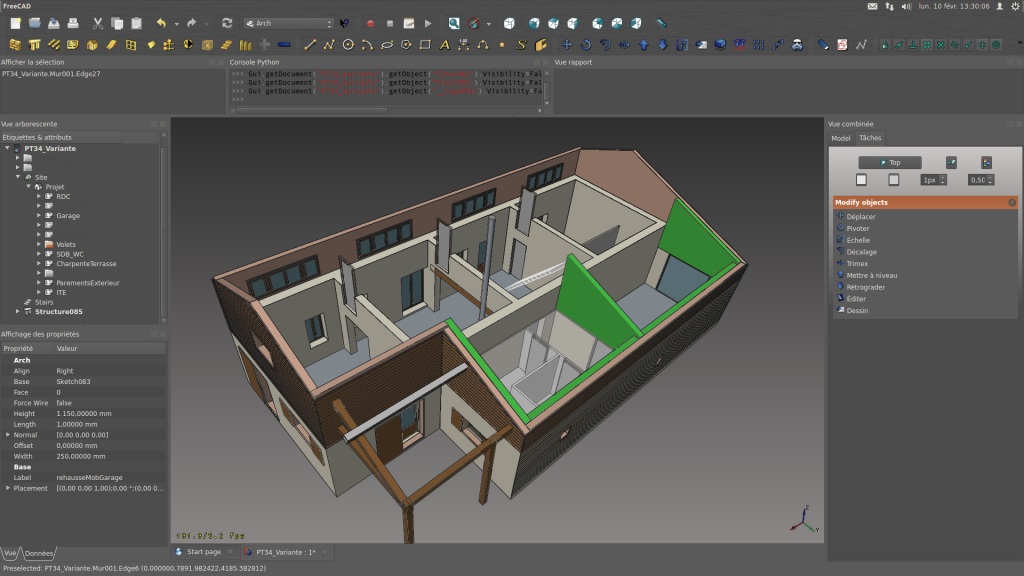
FreeCAD is a versatile parametric 3D modeling tool that’s been actively developed since its launch in 2001. While it was originally geared toward mechanical engineering, it now offers specialized workbenches for architecture, civil engineering, and BIM (Building Information Modeling). It’s widely used for designing infrastructure like bridges and buildings, thanks to its precise dimensioning and robust modeling features. One of FreeCAD’s biggest strengths is its parametric system, which lets users easily modify and refine designs a big plus for iterative workflows. It’s also been embraced by open-source design communities, particularly in regions where commercial software isn’t readily available.
- Capabilities: 3D design, BIM (Building Information Modeling), structural components, and simulation modules.
- Applications: Conceptual design, architectural modeling, bridge components, reinforcement layouts.
- Website: https://www.freecad.org
- Pricing: Open-source and modular, ideal for customization and automation.
.png)
3.ProjectLibre – Free Project Management Software
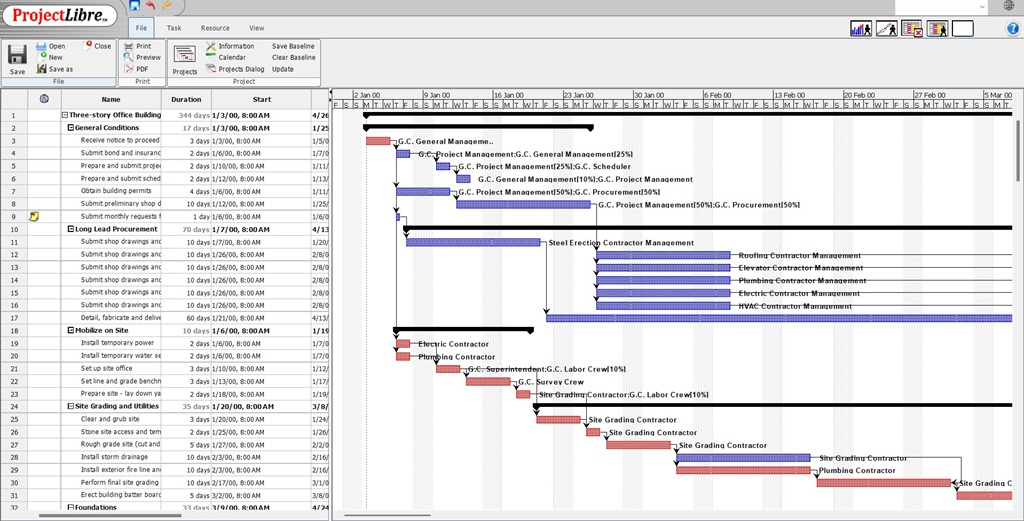
ProjectLibre is a free, open-source project management tool that launched in 2012 as an alternative to Microsoft Project. It’s built to help manage timelines, resources, and tasks and it’s been adopted by over 5 million users in more than 200 countries. Civil engineers often use ProjectLibre to schedule construction activities, assign labor and materials, and monitor progress on complex jobs. It includes essential features like Gantt charts, critical path analysis, and baseline tracking, which are key for keeping construction projects on track. Whether it’s a small road repair or a large-scale housing development, ProjectLibre helps teams stay organized, on schedule, and within budget.
- Capabilities: Gantt charts, task scheduling, resource allocation, and cost tracking.
- Applications: Managing timelines and deliverables in construction projects, infrastructure developments, and consulting projects.
- Website: https://www.projectlibre.com
- Pricing: Freemium; core features are free, cloud collaboration features are paid.
4. SkyCiv Tools – Cloud-Based Structural Calculations
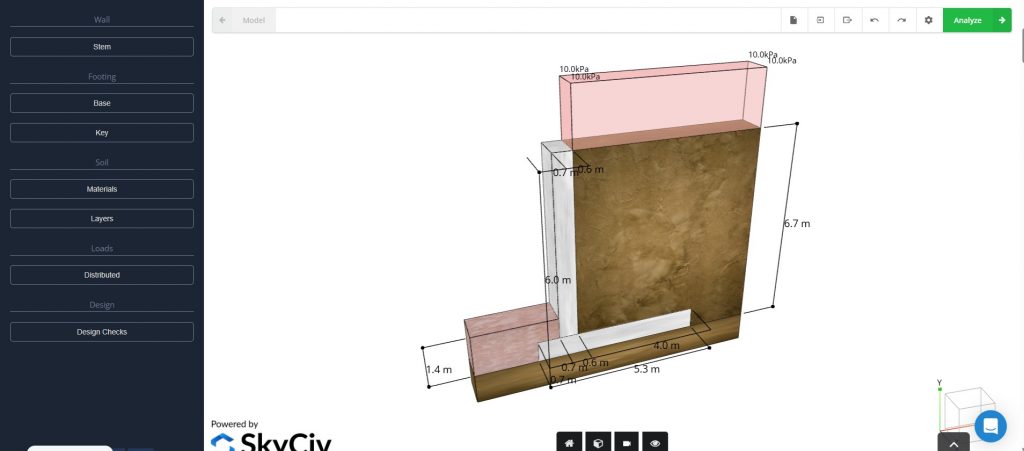
SkyCiv provides a collection of browser-based engineering tools, with many available for free. Since its founding in 2013, it has changed the game in structural analysis software by making powerful tools accessible from any device with no downloads required. Its free offerings, like beam calculators, truss solvers, and section property finders, are perfect for students and engineers who need fast, reliable calculations on the fly. Engineering firms often use SkyCiv for quick load checks and early-stage analysis during the design process. And because everything runs in the cloud, it’s easy to collaborate and share work across teams, no matter where they are.
- Capabilities: Basic structural analysis, beam calculations, truss analysis, and moment diagrams.
- Applications: Quick structural checks, educational use, preliminary design.
- Website: https://www.skyciv.com/free-tools/
- Pricing: Limited free features (e.g., beam calculator); full suite requires subscription.
5. QGIS – Open Source GIS for Spatial Planning and Analysis
QGIS is an open-source geographic information system (GIS) that started back in 2002 and has since become one of the most trusted GIS platforms around the world. Civil engineers can use QGIS to analyze terrain, plan infrastructure routes, manage flood zones, and overlay utility networks onto satellite images or cadastral maps. Thanks to its wide range of plugins, QGIS can be customized for various tasks, from hydrological modeling and road alignment to environmental impact assessments. It’s widely used by municipalities, NGOs, and consulting firms for projects that range from rural water supply systems to smart city development.
- Capabilities: Map creation, spatial data analysis, georeferencing, terrain modeling.
- Applications: Environmental impact studies, hydrology, urban planning, site analysis.
- Website: https://www.qgis.org
- Pricing: Fully open source, supported by a strong global community.


6. Google Earth – Site Visualization and Geospatial Context
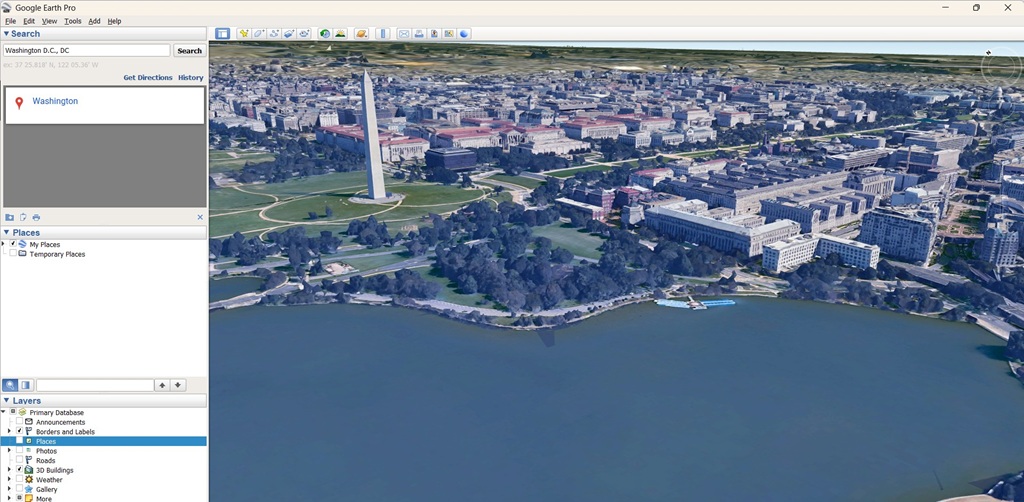
Google Earth offers an easy-to-use platform for viewing topography, infrastructure, and historical satellite imagery from around the world. Civil engineers often use it for preliminary site assessments, route planning, and sharing project locations with stakeholders. The free version, Google Earth Pro, even includes basic measurement tools, overlays, and 3D terrain visualization. It’s especially helpful during the early stages of a project, whether for scoping or creating engaging presentations that require clear, intuitive geographic visuals.
- Capabilities: Terrain analysis, site location, historical imagery, 3D view.
- Applications: Pre-project reconnaissance, elevation profiles, visualizing construction impact.
- Website: https://earth.google.com
- Nature of Free: Fully free; Pro version also free since 2015.
7. Gmail – Professional Communication and Cloud Integration
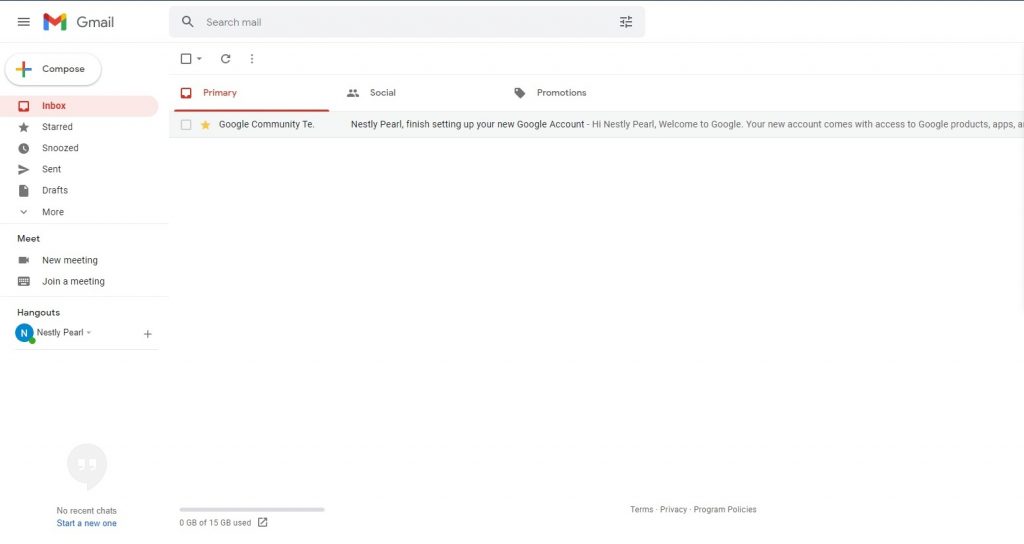
While Gmail might seem simple, it’s a key tool for professional communication in engineering. It works seamlessly with Google Drive, Docs, Meet, and Calendar, making it perfect for sharing documents, coordinating remote teams, and scheduling inspections or client meetings. For small firms or independent consultants, Gmail often becomes the central hub for technical discussions, project documents, and client communications. Its strong spam filters, powerful search capabilities, and mobile access make it an essential tool for civil engineers working across multiple sites or even internationally.
- Capabilities: Communication, document sharing, cloud storage, collaboration.
- Applications: Team coordination, real-time document editing, project communication.
- Website: https://www.google.com/gmail
- Pricing: Gmail and 15 GB of cloud storage are free; premium plans offer more feat

Please don’t forget to subscribe to our newsletter!
YOU MAY ALSO LIKE TO READ
- A Simple Guide to Runoff ManagementWhether you are working on a small infrastructure project or a large one, rainwater (runoff) is always going to be an issue. That’s why runoff management is a critical part of sustainable land development and environmental protection. As more parts of the world become urbanized and climate patterns continue to… Read more: A Simple Guide to Runoff Management
- A Billion Dollar Problem: What Construction Waste Management Means for the IndustryIt is estimated that nearly 30% of the world’s solid waste comes from construction and demolition (C&D) activities. This includes everything from broken concrete, wood, metal, drywall, bricks, glass, plastics, asphalt, to packaging materials. Most of this waste ends up in landfills, contributing to environmental degradation and increasing costs for… Read more: A Billion Dollar Problem: What Construction Waste Management Means for the Industry
- 5000 Years of Computing: Our Engineering Journey to Quantum ComputingFor over a millennium, human ingenuity has been entwined with the development of tools to aid computation. From the use of the abacus beads to the barely comprehensible entanglement of quantum bits, computing has evolved not only in speed and complexity but also in the way engineers use it to… Read more: 5000 Years of Computing: Our Engineering Journey to Quantum Computing